

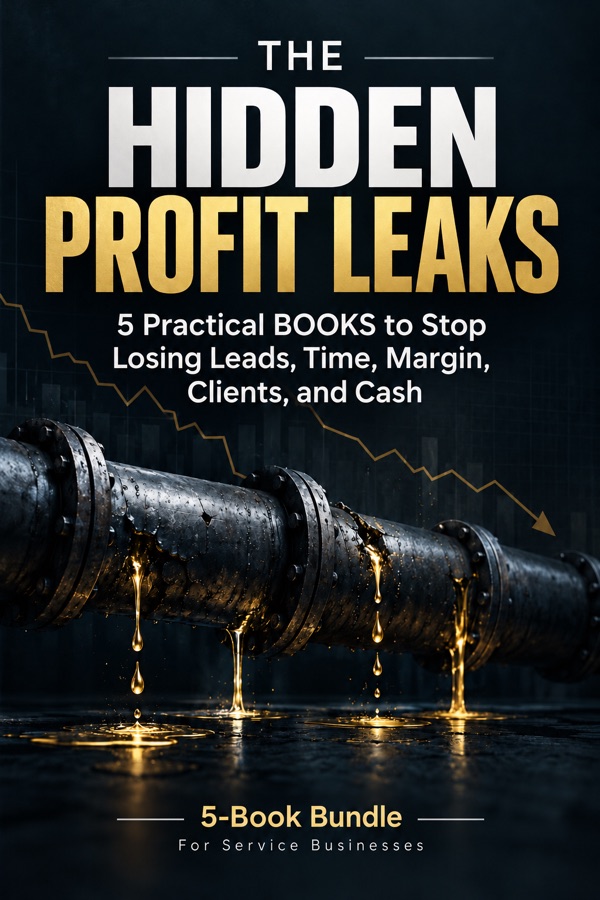

Get the bundle

For agencies, consultants and studios with 2–20 people

You don't have a Client Problem.
You have 5 Profit Leaks

The Hidden Profit Leaks: the 5-book bundle Bonus: The AI Quick Wins Kit, the guided app and 10 Excel files

Slow replies. Late proposals. Free extra work. Quiet clients. Late invoices. Each leak looks small. Together they cost you a lot.

5 books + 1 app that walks you through each fix32 AI prompts · 10 Excel files · One-time payment · No subscription

What a leak looks like

A good lead. Lost in one weekend.

From Book 1. Harbor & Pine is a made-up studio the books use as an example.

  1. Friday, 4:52 pm

    A good lead writes in. Big project. They want to decide this month.

  2. Monday, 3:05 pm

    The owner finally replies. Two other firms answered on Friday.

  3. After the sales call

    The proposal goes out 9 days later. $31,000.

  4. Then

    Nothing. Nobody follows up.

  5. Months later

    “You were our favorite. But we never heard back.”

Nobody was lazy. Every step made sense. That's how a leak works: you never see it on an invoice.

How it works

  1. 1

    Pick your biggest leak

    Start with that book. You can read one in an evening.

  2. 2

    Open the app

    It shows what to do today.

  3. 3

    Let AI write the draft

    You check it and send it.

Calculator

What do your leaks cost?

Type your own numbers. You get a rough answer right away.

The example numbers come from the studio in the books. Rough estimate. Not a promise.

One good lead is worth about $1,950 in profit to you.

The leads you answered late were worth about $17,600 in profit. A fast reply gives you a real chance at that money.

See the book that fixes it →

The books

One book for each leak.

Each book has the fix, AI prompts, a ready-made spreadsheet and a 30-day plan. Drag a book to turn it. Open it to see what's inside.

Book 1 of 5The Lead That Went ColdThe hidden cost of slow responses, lost inquiries, and broken follow-up.
The Lead That Went Cold

Introduction

At 4:52 on a Friday afternoon in March, a message arrived in Harbor & Pine's general inbox. It came through the contact form on their website. The sender was Dana Ruiz, marketing director at a regional distributor of commercial heating and cooling equipment.

Keep reading in the book →
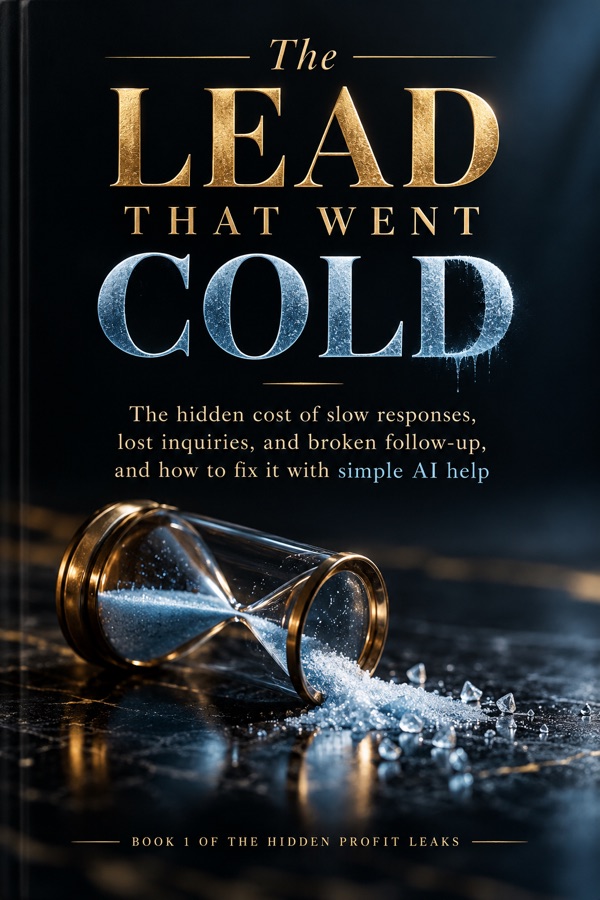
Cover of Book 1: The Lead That Went Cold

Book 1

Contents

  1. The $31,000 Proposal Nobody Followed Up
  2. 1The 90-Day Lead Autopsy
  3. 2The Response-Time Problem
  4. 3Qualifying Without Losing Good Leads
  5. 4The Follow-Up Nobody Sent
  6. 5Measuring Recovered Opportunities
  7. 6Your 30-Day Plan

Book 1

The Lead That Went Cold

The leak: Good leads wait too long. Then they go with someone faster.

You'll learn to:

  • Reply fast, even on a busy day.
  • Let AI help you sort new leads.
  • Follow up without feeling pushy.
8 AI promptsLead spreadsheet30-day plan
Example studio: work hours until a good lead gets a reply161.5
Book 2 of 5The Deal You Lost Before You Hit SendHow to get from a good sales call to a signed agreement faster.
The Deal You Lost Before You Hit Send

Introduction

The call with Leah Ortiz went better than Marcus expected. At the end of the call, Leah asked the question every owner wants to hear: “So what are the next steps?” “I'll put a proposal together,” Marcus said. “You'll have it by Friday.”

Keep reading in the book →

Cover of Book 2: The Deal You Lost Before You Hit Send

Book 2

Contents

  1. The Deal You Lost Before You Hit Send
  2. 1Where the Days Go
  3. 2Never Start From a Blank Page
  4. 3The Price Mistakes AI Must Never Make
  5. 4Getting to “Yes” on Their Side
  6. 5What Actually Changed
  7. 6Your 30-Day Plan

Book 2

The Deal You Lost Before You Hit Send

The leak: Your proposal is late, or has a mistake in it. They pick someone else.

You'll learn to:

  • Send proposals in 2 days instead of 5.
  • Let a spreadsheet do the prices, so the math is always right.
6 AI promptsProposal spreadsheet30-day plan
Example studio: days from sales call to proposal52
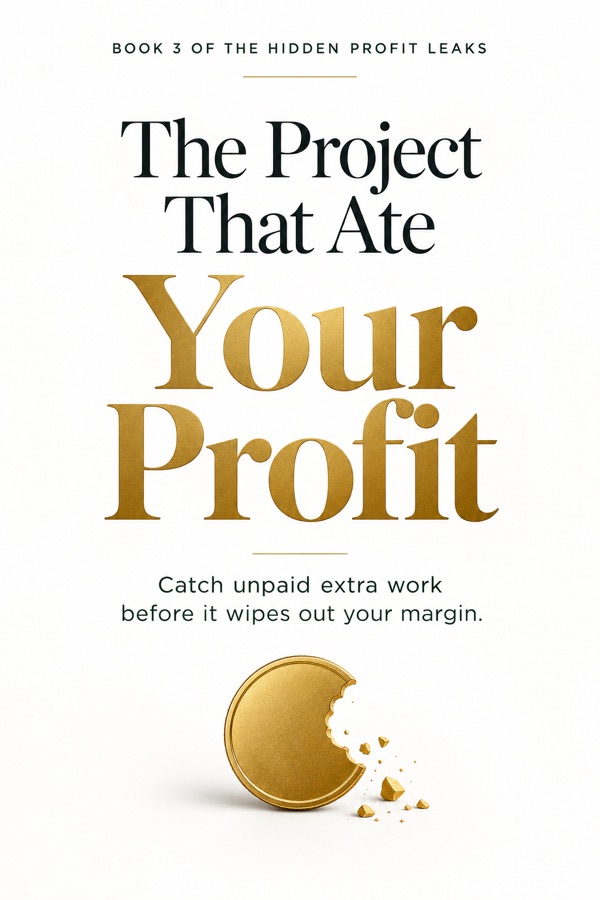
Book 3 of 5The Project That Ate Your ProfitHow to spot unpaid extra work before it eats your profit.
The Project That Ate Your Profit

Introduction

Everyone at Harbor & Pine liked Juniper Payroll. They were the kind of client every agency hopes for. They answered emails the same day. They paid the first invoice early. On April 21, Dee wrote: “Quick question. Could we add a payroll cost calculator page? Nothing fancy. Should be quick.”

Keep reading in the book →

Cover of Book 3: The Project That Ate Your Profit

Book 3

Contents

  1. The Project That Ate Your Profit
  2. 1Where the Money Went
  3. 2Spotting Extra Work Early
  4. 3The Polite Way to Charge for Extra Work
  5. 4Watching the Numbers While the Project Runs
  6. 5What Actually Changed
  7. 6Your 30-Day Plan

Book 3

The Project That Ate Your Profit

The leak: “Just one small thing.” Then another. You end up working for free.

You'll learn to:

  • Spot extra work the day it's asked for.
  • Say “that's extra” and keep the client happy.
  • See a project going over budget in week 4, not at the end.
  • Give favors on purpose, not by accident.
6 AI promptsProject spreadsheet30-day plan
Example studio: free hours per project364
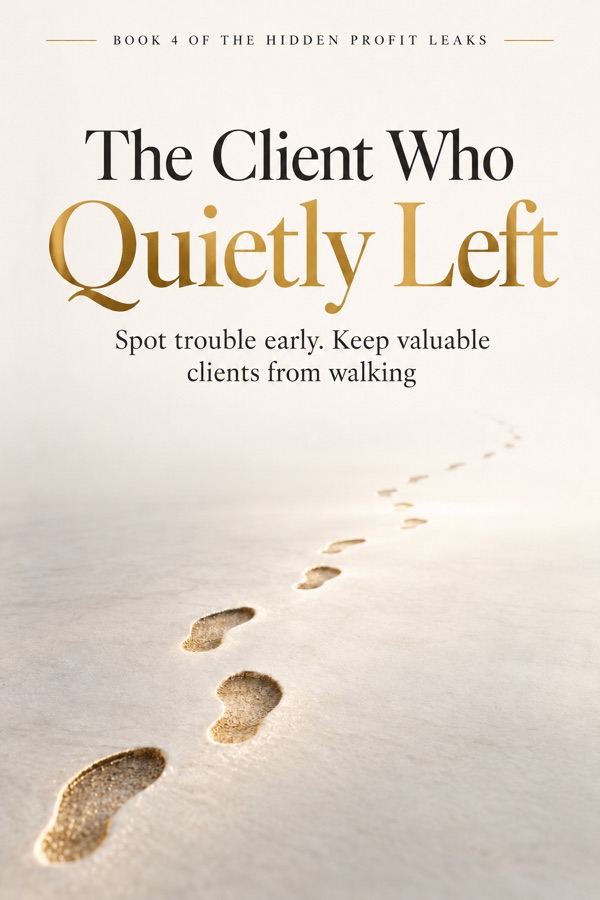
Book 4 of 5The Client Who Quietly LeftHow to notice when a good client is drifting away.
The Client Who Quietly Left

Introduction

Holloway Logistics had been a Harbor & Pine client for almost a year. Their main contact, Ana, used it well. Four or five requests a month. A short call every few weeks. In March, Ana left Holloway for a job at another company.

Keep reading in the book →

Cover of Book 4: The Client Who Quietly Left

Book 4

Contents

  1. The Client Who Quietly Left
  2. 1Look Back at Who Left
  3. 2The Six Signals
  4. 3The Monthly Client Health Check
  5. 4The Conversation That Keeps a Client
  6. 5What Actually Changed
  7. 6Your 30-Day Plan

Book 4

The Client Who Quietly Left

The leak: A good client goes quiet. No complaint. Then a short email: “We're leaving.”

You'll learn to:

  • Spot 6 warning signs early.
  • Check all your clients in 20 minutes a month.
  • Start the talk that keeps them.
6 AI promptsClient spreadsheet30-day plan
Example studio: warning signs caught in time03 of 4
Book 5 of 5Profitable on Paper, Broke on FridayHow to get paid faster and see cash problems before they hit.
Profitable on Paper, Broke on Friday

Introduction

Friday, June 26, was payday at Harbor & Pine. Every other Friday, $10,000 left the business account for wages. At 8:15 that morning, Marcus opened the bank app to approve the payroll. The account showed $6,200.

Keep reading in the book →

Cover of Book 5: Profitable on Paper, Broke on Friday

Book 5

Contents

  1. Broke on Friday
  2. 1Profit Is Not Cash
  3. 2Find the Money Stuck in Your Invoices
  4. 3Reminders That Know When to Stop
  5. 4The 13-Week Cash Forecast
  6. 5What Actually Changed
  7. 6Your 30-Day Plan

Book 5

Profitable on Paper, Broke on Friday

The leak: The work is done. The invoice is sent. The money still isn't in your bank.

You'll learn to:

  • Get paid faster with friendly reminders.
  • See a tight week coming, weeks before it hits.
6 AI promptsCash spreadsheet30-day plan
Example studio: days until clients pay3120

Examples come from Harbor & Pine, the made-up studio in the books.

What changed at the example studio

Reply to good leads

16 work hours1.5

Sales call to proposal

5 days2

Free hours per project

364

Warning signs caught in time

03 of 4

Days until clients pay

3120

Harbor & Pine is made up. Its numbers come from the example spreadsheets that come with the books. The books also say clearly which changes could be luck.

Bonus, included: the AI Quick Wins Kit

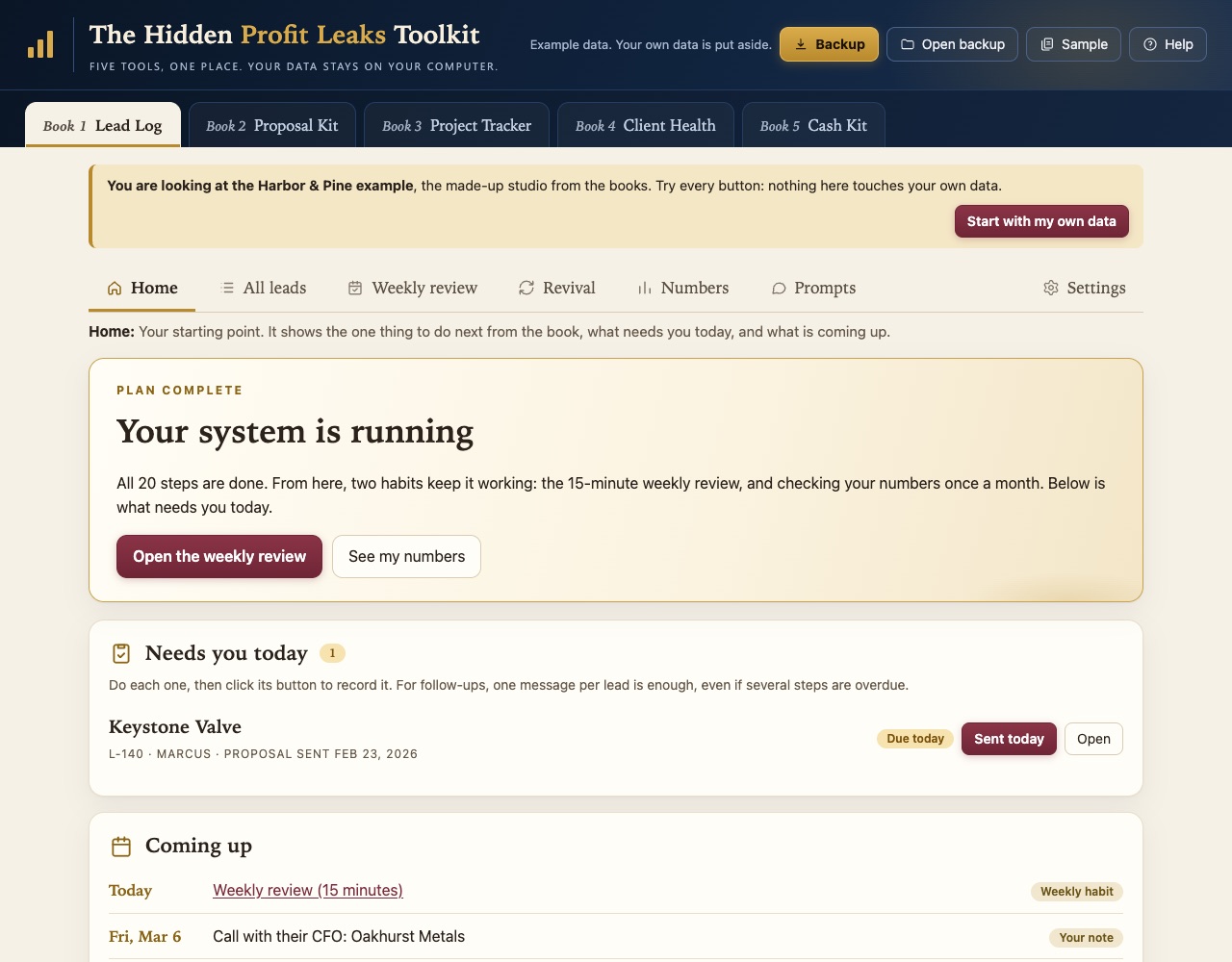
An app that shows your next step.

Open it. It tells you what needs you today.

  • No account. No login.
  • Your data stays in your browser, on your computer. Save a backup file anytime.
  • All 5 tools and all 32 AI prompts, ready to use.
  • Example data, so you can try it first.
  • Like Excel better? You also get 5 empty spreadsheets and 5 filled-in examples.

The app guides you through each book’s 30-day plan: your next step, what needs attention today, and the numbers to check. It doesn’t send messages or contact AI for you. You copy a prompt into your own AI tool.

App: Leads tool, what needs you today

Screenshots use the included example data. Click the screen to view it at full size.

How the books use AI

AI writes the draft. You decide.

Nothing goes out until you've read it.

Spreadsheets do the math.

No prices from AI. Ever.

Remove names first.

Your clients' details stay private.

Is it for you?

Yes, if you…

  • run an agency, studio or consultancy with 2–20 people
  • run an IT, accounting, architecture, engineering or recruiting firm
  • sell projects or monthly work worth thousands
  • still do sales yourself, between client work

No, if you…

  • sell mainly to consumers
  • want AI to send emails for you
  • want a promise of guaranteed income

The bundle

The 5 books + the app

  • The 5 books, one for each leak
  • 32 AI prompts, ready to copy
  • A 30-day plan in every book
  • Bonus: the AI Quick Wins Kit. The guided browser app (all 5 tools, each book's 30-day plan step by step) and the 10 Excel files from the books (5 empty, 5 filled-in examples)

Instant digital download: the books as PDF files, the app as one file that opens in your browser, and the Excel files.

$270One-time payment
Get the books + app

Sold only as a bundle.

Questions

Do I need new software?

The included app runs in your browser, with no installation or account. Use the Excel files instead if you prefer. For AI-written drafts, use your own ChatGPT, Claude or Gemini account.

How do I keep my app data safe?

Save a backup file after each working session. Your entries stay in your browser; clearing browser data can remove them. Open your saved backup to restore them.

Which AI do I need?

Any common one, like ChatGPT, Claude or Gemini.

Do I have to read them in order?

No. Each book works on its own. Start with the leak that hurts most.

How much time does it take?

You can read a book in an evening. Most weeks in the 30-day plans take about 2–3 hours. The first week can take longer while you enter your existing records.

Is Harbor & Pine a real company?

No. It's a made-up studio. The example files let you follow and check the toolkit calculations used in the books.

Do I paste client emails into AI?

Only what's needed, with names and contact details removed. Many prompts work from short notes in your own words.

I'm not in the US. Does it work?

Yes. The books and the app show amounts in US dollars and dates in the US format; the numbers work the same in any currency. Only the legal notes (email, text messages, late fees) follow US rules.

What exactly do I get, and how?

Right after payment you get a download link, on the thank-you page and by email: the 5 books as PDF files, and the bonus AI Quick Wins Kit, which is the guided app and the 10 Excel files (5 empty templates and 5 filled-in examples).

Does the app work on Mac, Windows and iPad?

Yes on Mac and Windows: the app is one file that opens in Chrome, Edge, Firefox or Safari, with no installation or account. On an iPad or phone, read the books and use the Excel files; the app is made for a computer screen.

How do I get help?

Write to us: the Contact link is at the bottom of this page. We answer within one business day. For payment and invoice questions, use the support link in your order confirmation email.

“The leads were never the problem. They were already coming in. The question was only whether anyone would be there when they did.”

From the last page of Book 1

Stop the leaks. Keep what you earn.

Get the books + app$270

The video is coming soon

Until then, the five leaks are explained right below.

0:00 0:00